How to make a meme online
Choose a meme format, write readable captions, use your own photo and export a watermark-free image. A practical guide to the ilovecollage meme editor.
 ilovecollage
ilovecollage
Use the two reactions to contrast an option you reject with one you prefer. Put the rejected choice beside the upper reaction and the preferred choice beside the lower one.
Open Drake Hotline Bling in the editor
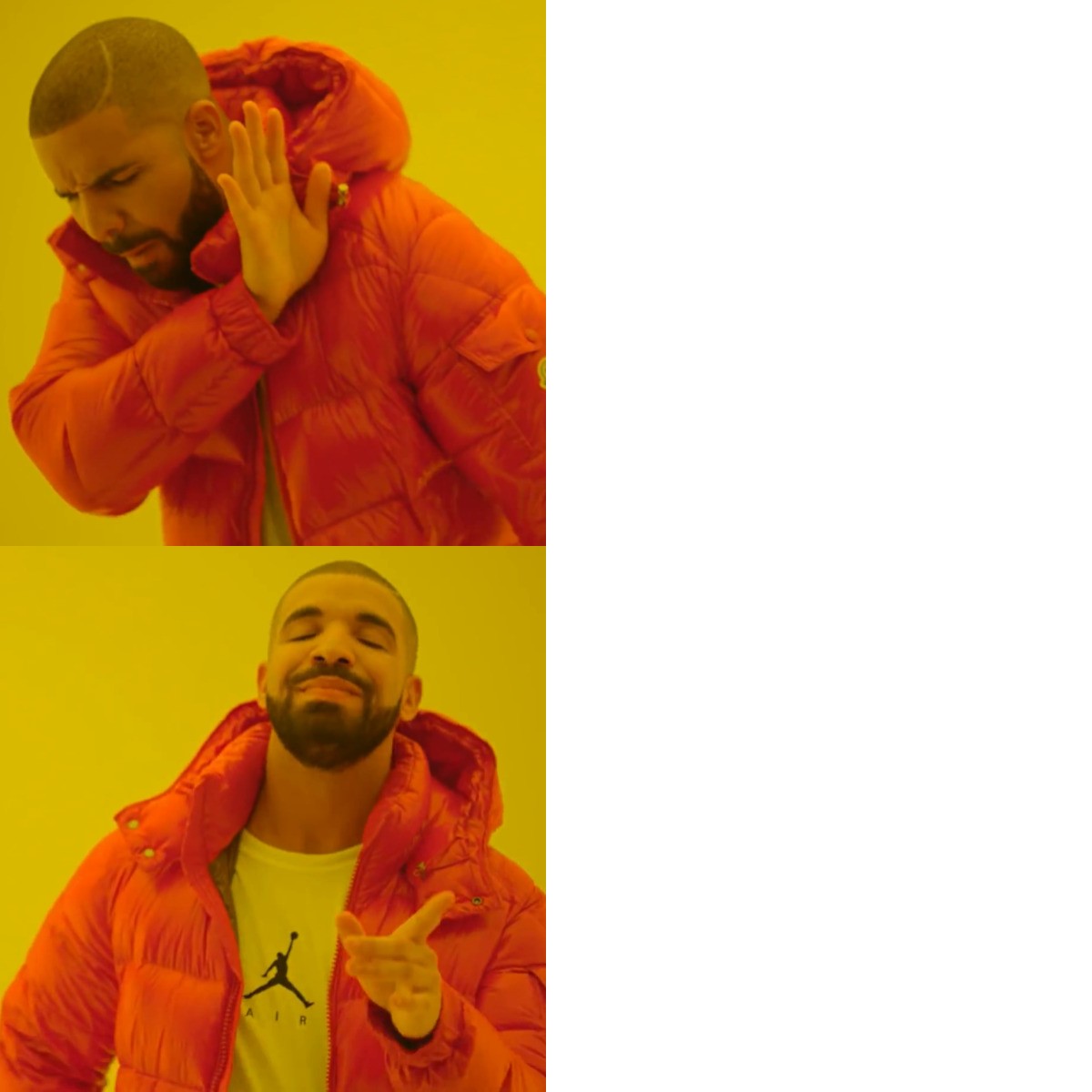
These are original example captions to show the structure. Replace them with your own wording in the editor.
.collage project if you want an editable backup.Keep the two captions parallel: two activities, two products or two versions of the same idea. A long explanation in only one panel makes the comparison harder to read. Leave the face visible and keep text inside the right-hand panels.
Review at phone size before sharing. The editor does not add a watermark, and editing or exporting does not require an account.
For two choices that are both tempting or difficult, use Two Buttons instead; it communicates a dilemma rather than a clear preference.
See another caption arrangement, or browse the full meme template library.
The bundled image is a third-party meme template. Attribution identifies its source and does not grant an unrestricted license. Use images you own or have permission to use, and check the rights needed for commercial or promotional uses.
Choose a meme format, write readable captions, use your own photo and export a watermark-free image. A practical guide to the ilovecollage meme editor.
Place top-and-bottom text, use a caption above your photo, and choose outlines or backgrounds. Keep meme captions readable in the ilovecollage editor.