Photo grids
Keep images in tidy cells with layouts for one to ten photos. Use a pair for a comparison or a larger grid for a collection.
Combine photos into one pictureOpening the photo collage studio…
Read the collage guideilovecollage · Photo grids & scrapbooks
Turn your photos into one image with ilovecollage. Choose a photo grid or a freeform scrapbook, adjust the crop, and add text, frames or stickers. Download your collage for free, with no added watermark and no account required to edit or export.
Try AI face-aware cropping for portraits, AI smart crop for pets and common objects, or AI portrait background removal to place a person over your collage canvas. Looking for captions and jokes? Open the free meme editor or browse the meme template library.
See the step-by-step collage guide for cropping and export tips.
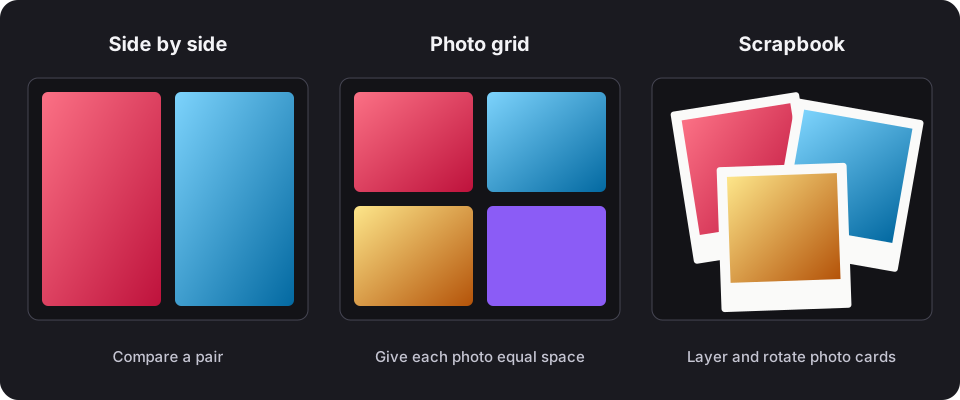
Keep images in tidy cells with layouts for one to ten photos. Use a pair for a comparison or a larger grid for a collection.
Combine photos into one pictureMove, rotate and resize photo cards on a freeform canvas. Layer frames, text and stickers to tell a story.
Make a scrapbook collageChoose square, portrait, landscape, story or A4 canvas presets. Export dimensions depend on the canvas and the selected scale.
Choose a social collage size · Prepare a collage for printUse filters, manual brightness and contrast adjustments, or Magic Auto-Enhance to balance your photos. The editor processes selected images on your device. When you sign in, drafts and projects containing photos are saved privately to your account and can be opened on another device. Guest drafts stay in this browser.
Save a portable .collage project to keep a separate editable backup. For the details of storage, external fonts and optional sign-in, read how your data is handled.
Yes. Editing and PNG, JPEG and WebP downloads are free. ilovecollage does not add a watermark. You can optionally add your own handle or branding.
You can create and export collages without signing in. Optional Google sign-in saves settings, drafts, brands and projects to your account so you can use them on another device.
The editor works in modern desktop and mobile browsers. Select photos from your device and use the on-screen tools. Clipboard access and some image formats depend on your browser.
Use JPG, PNG or WebP for broad compatibility. Other input formats work when your browser can decode them. Export a still collage as PNG, JPEG or WebP.
Fill crops the image to cover its cell. Drag to reposition it, adjust zoom, or switch to Fit to show the entire image. For portraits, try AI face-aware crop. See the photo cropping guide.
Yes. Choose your canvas dimensions and check the exported pixel size against your print size. Enlarging a low-resolution source does not recover detail. Read the print resolution guide before ordering a print.
Try a complete project
Follow an original illustrated recipe with starting settings, composition choices and fixes for common mistakes. Download the practice artwork or use photos you own.
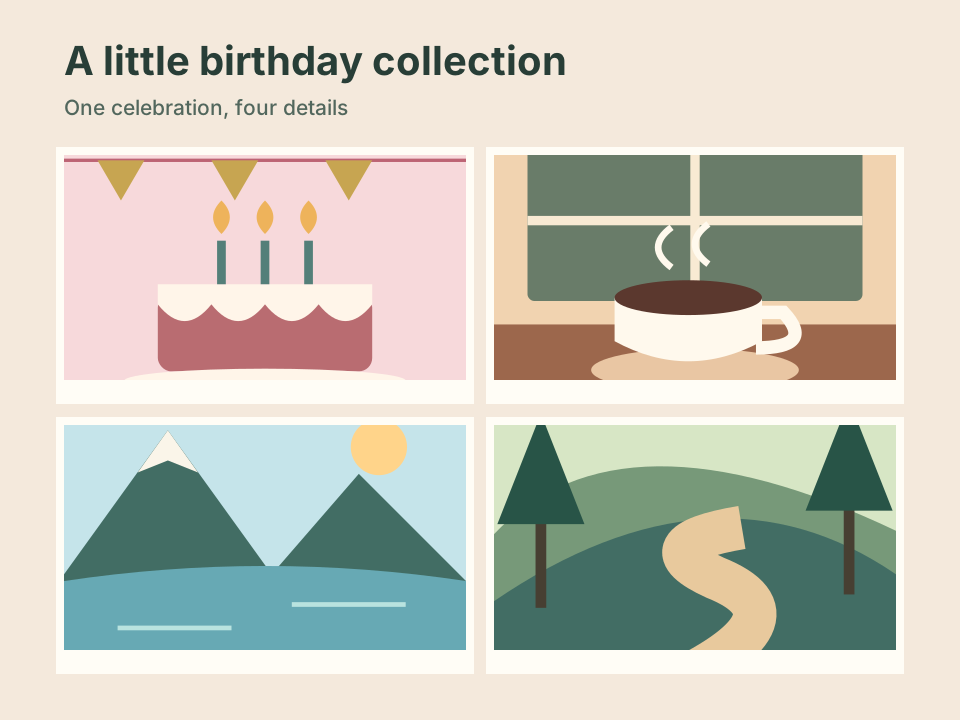
Four equal panels, a calm background and one short title. Learn to keep the edges of a cake or face inside the crop.
Follow the birthday recipe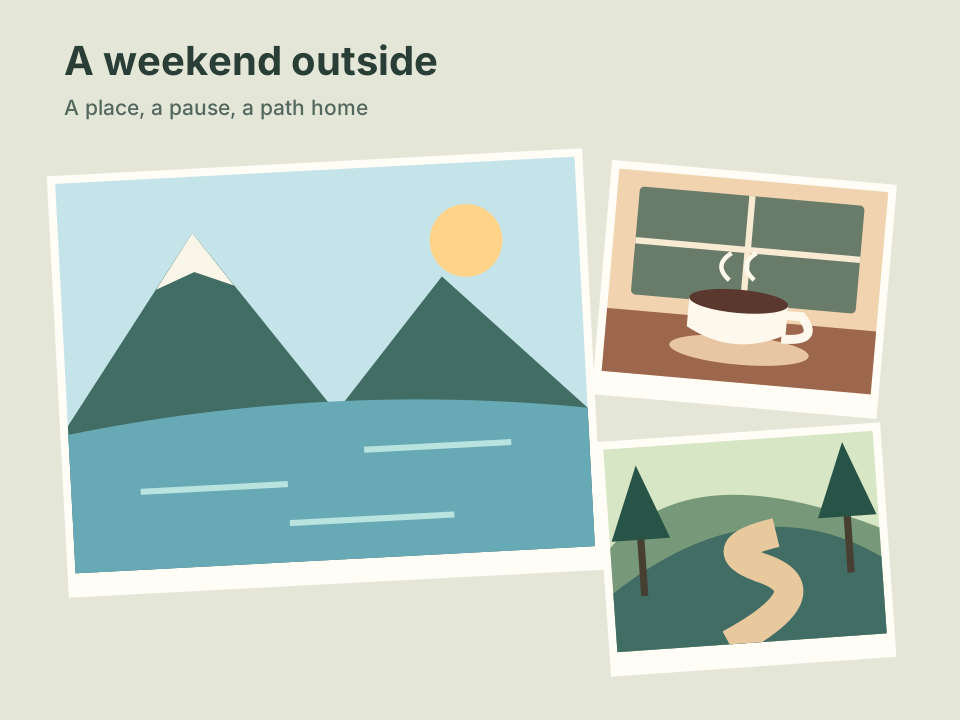
One main scene and two supporting details. Use overlap without covering the story.
Follow the travel recipe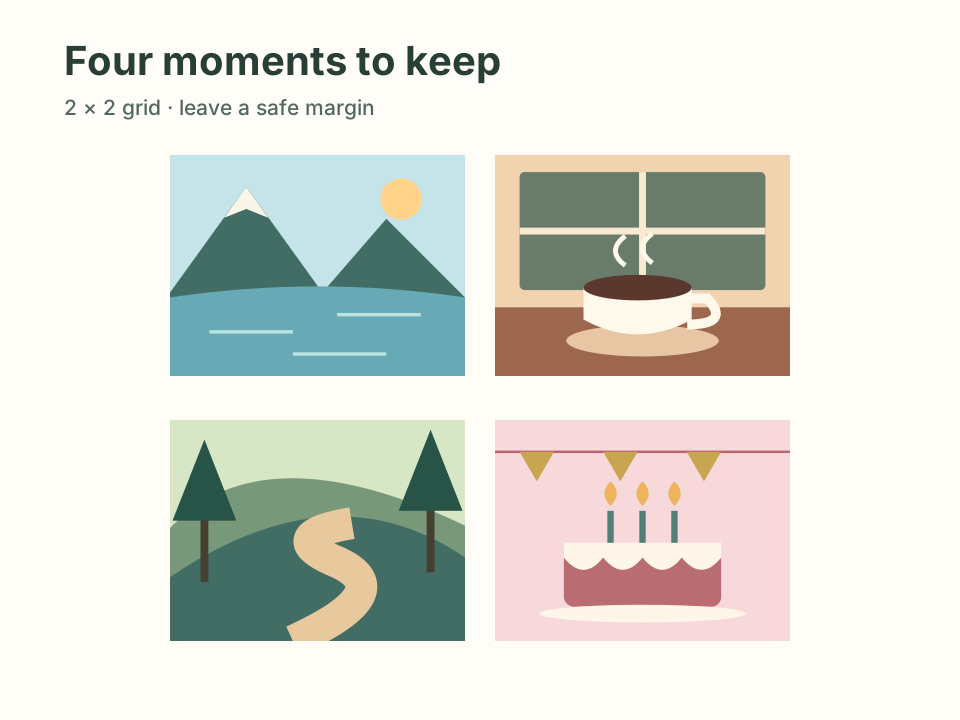
Work backward from paper size, reserve safe space and check the pixels each photo really needs.
Follow the print recipeMake your first collage with ilovecollage: add photos, choose a layout, adjust crops, style the canvas and export a free image without an added watermark.
Join two photos side by side or combine up to ten in a grid. Learn to keep the full image, adjust spacing and download one PNG, JPG or WebP collage.
Create a square, portrait or story collage using ilovecollage canvas presets. Check crops, text placement and export dimensions before sharing your image.
Choose collage pixel dimensions for your print size, understand 300 PPI, use the A4 preset and avoid blurry photos when exporting from ilovecollage.
Arrange photos freely, layer frames and stickers, and add readable text. Make a digital scrapbook or mood board with ilovecollage and save an editable copy.